
10 VS Code Extensions to Increase Productivity
Vs Code EXTENSIONS

10 VS Code Extensions to Increase Productivity in 2023 2024: Themes, Icons, Shortcuts, and More
Visual Studio Code (VS Code) has become a staple for developers due to its versatility and the vast array of extensions available. Here, we’ll explore 10 must-have extensions to boost your productivity in 2024. There's something for everyone, from themes and icons to shortcuts and code management tools.
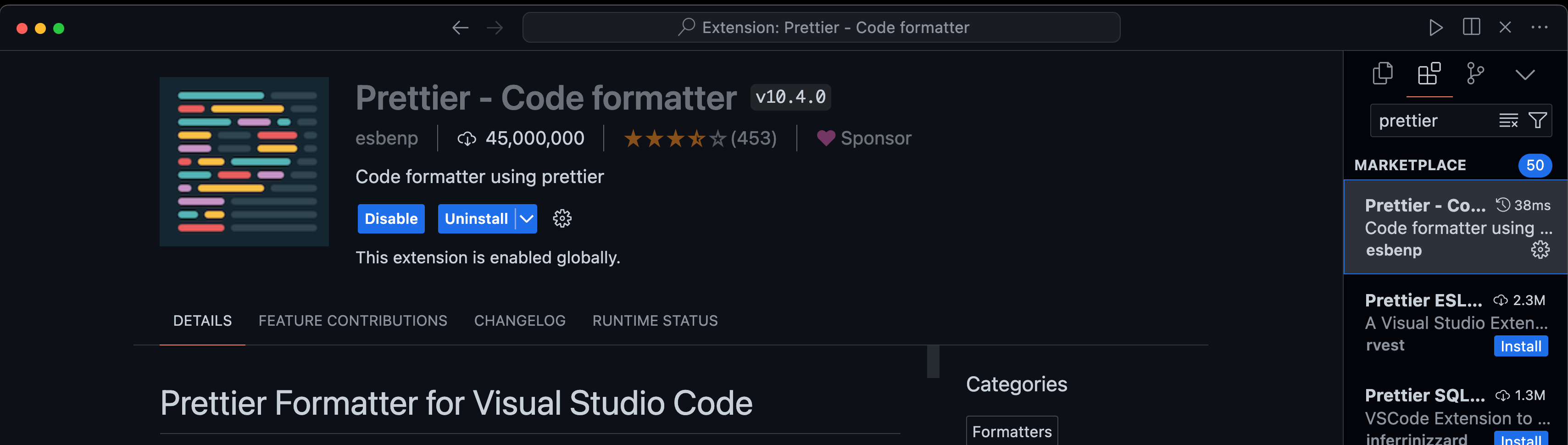
1. Prettier - Code Formatter
Prettier is an opinionated code formatter that supports many languages. It ensures that your code is consistently styled, making it easier to read and maintain.
Features:
Auto-formats code on save
Supports multiple programming languages
Integrates with various tools and editors
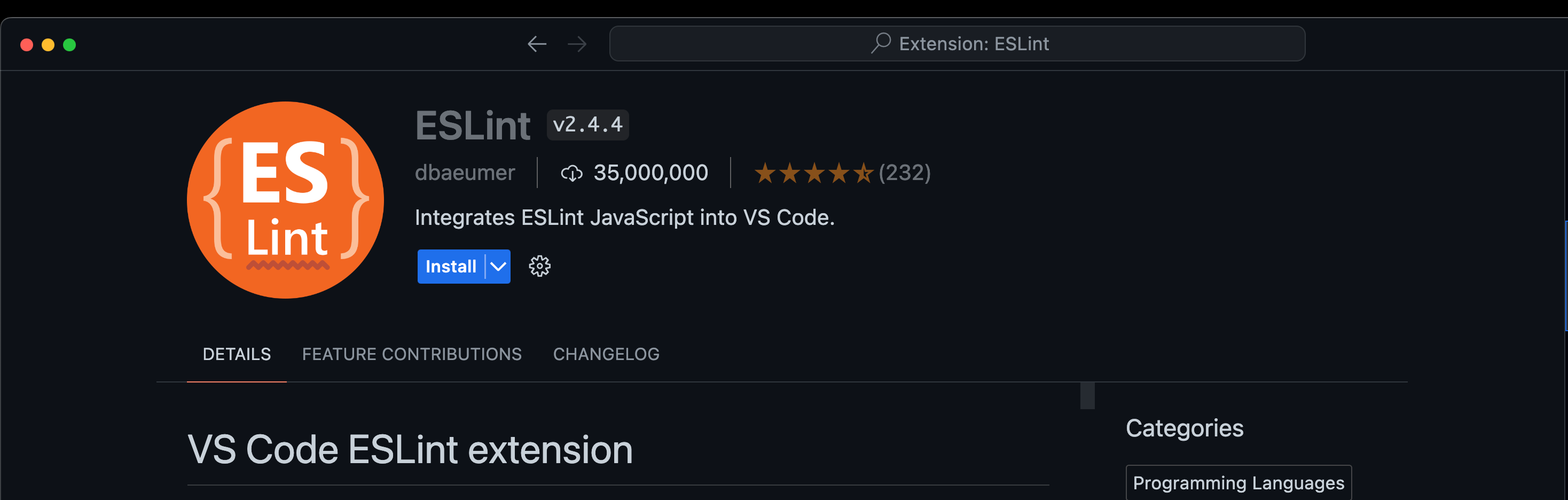
2. ESLint
ESLint statically analyzes your code to quickly find problems. Many problems ESLint finds can be automatically fixed.
Features:
Identifies and reports on patterns in JavaScript
Customisable rules
Auto-fix feature for common issues
3. Live Server
Launch a local development server with a live reload feature for static and dynamic pages.

Features:
Real-time reload for HTML, CSS, and JavaScript
Easy setup and configuration
Lightweight and efficient
4. GitLens
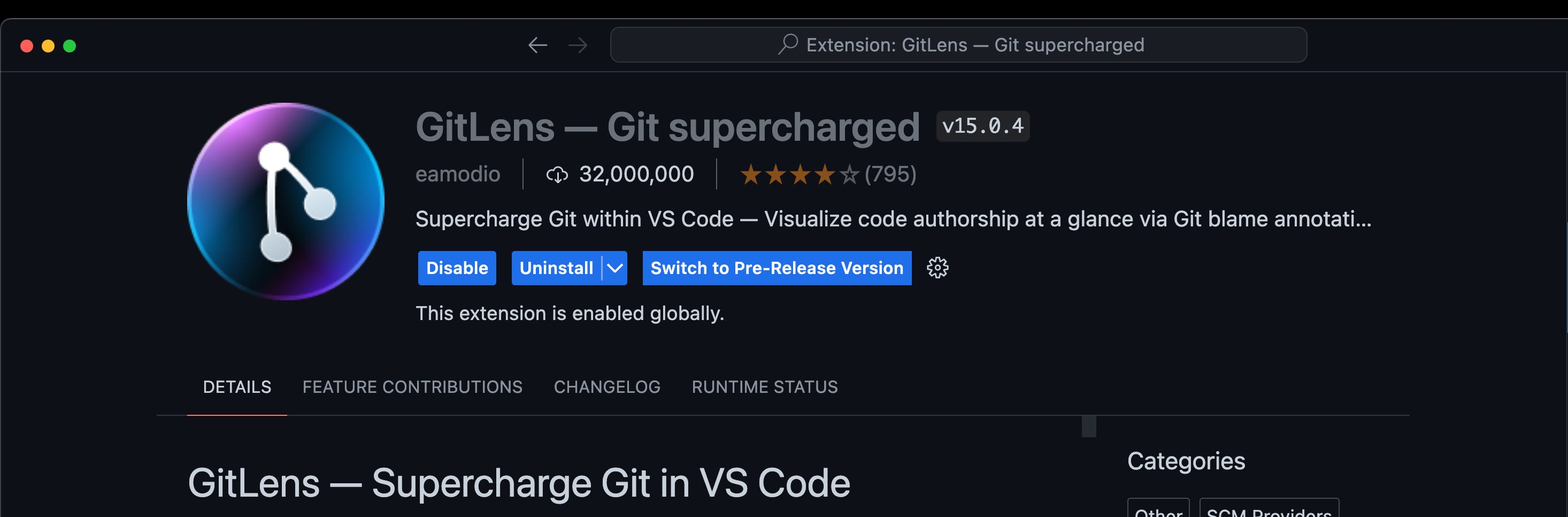
GitLens supercharges the built-in Git capabilities of VS Code. Visualize code authorship with Git blame annotations and more.
Features:
Git blame annotations
Powerful diff views
Repository explorer
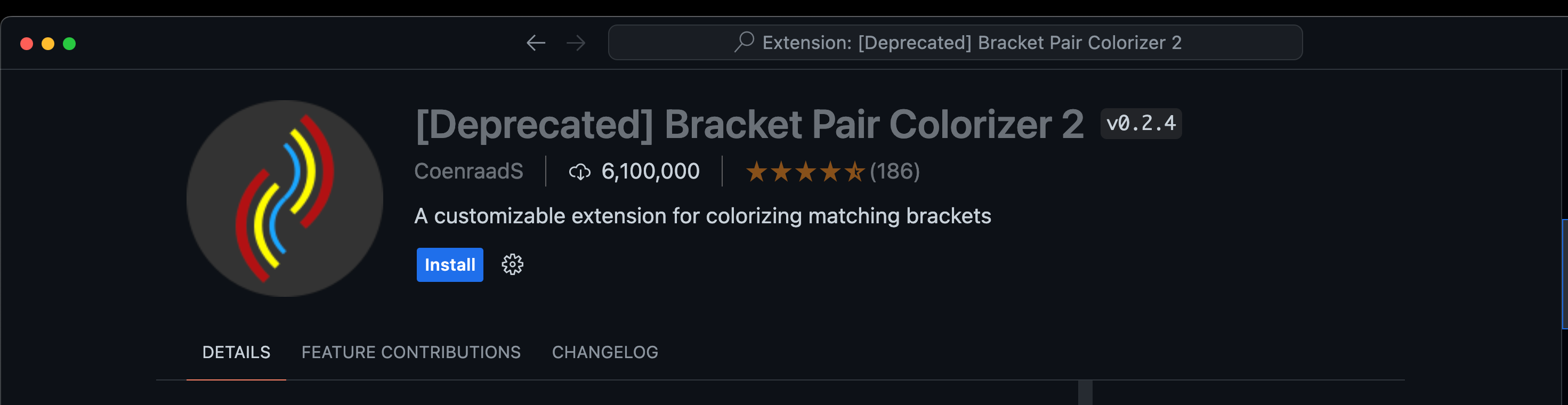
5. Bracket Pair Colorizer
This extension allows matching brackets to be identified with colors, making it easy to track code blocks.
Features:
Colors matching brackets
Customizable colors
Supports various programming languages
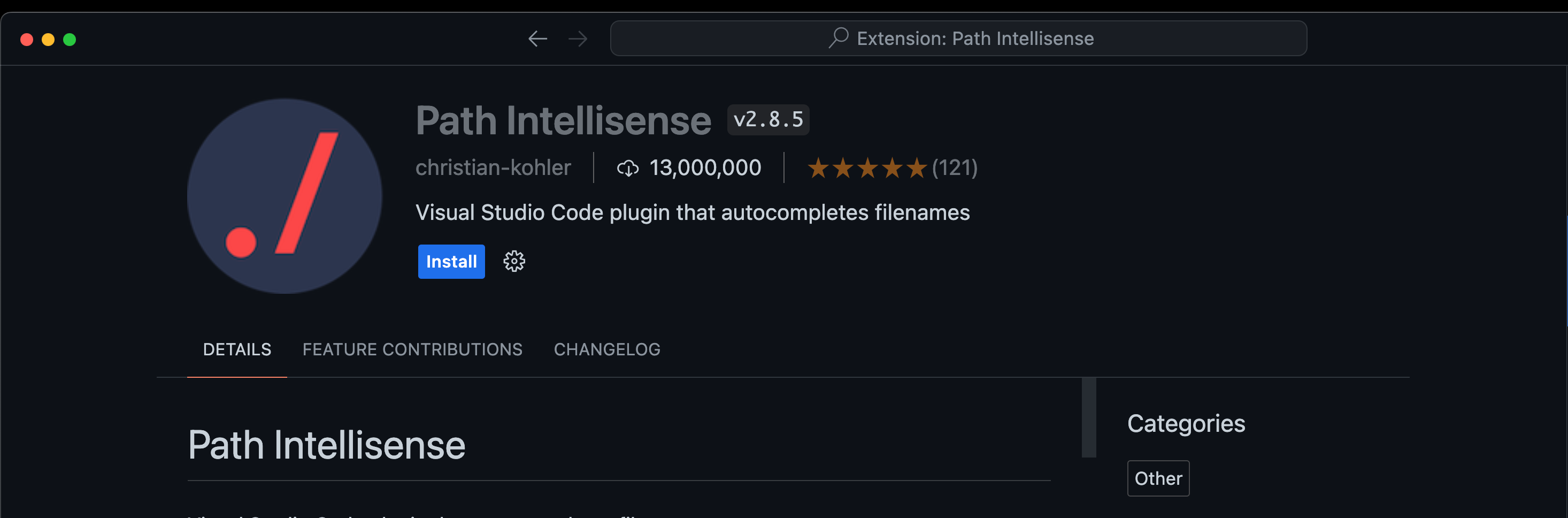
6. Path Intellisense
Path Intellisense autocompletes filenames. It significantly speeds up the process of linking files and assets.
Features:
Autocompletes filenames and file paths
Supports relative paths
Works with various project structures
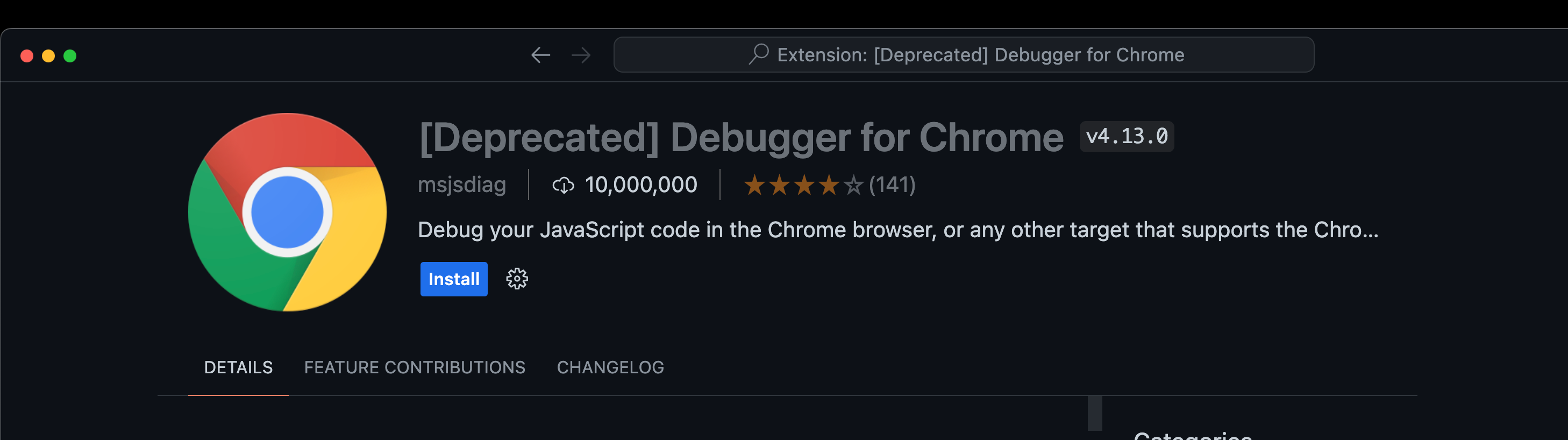
7. Debugger for Chrome
Debug your JavaScript code in the Chrome browser, or any other target that supports the Chrome Debugger protocol.
Features:
Powerful debugging tools
Easy setup and configuration
Integrates seamlessly with Chrome DevTools
8. Visual Studio IntelliCode
AI-assisted development that provides context-aware code completions, making your coding faster and smarter.

Features:
AI-based code completions
Learns from your coding patterns
Supports multiple languages
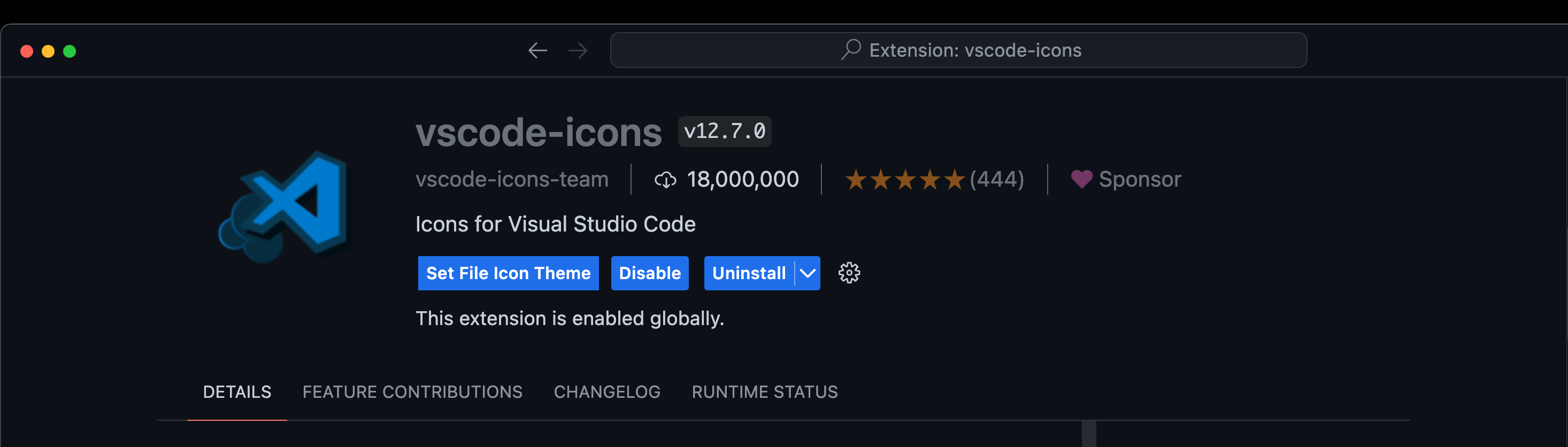
9. vscode-icons
Bring your project to life by adding file icons to your VS Code. It supports a wide range of icons for different file types and folders.
Features:
Diverse icon set
Customizable themes
Helps in quickly identifying file types
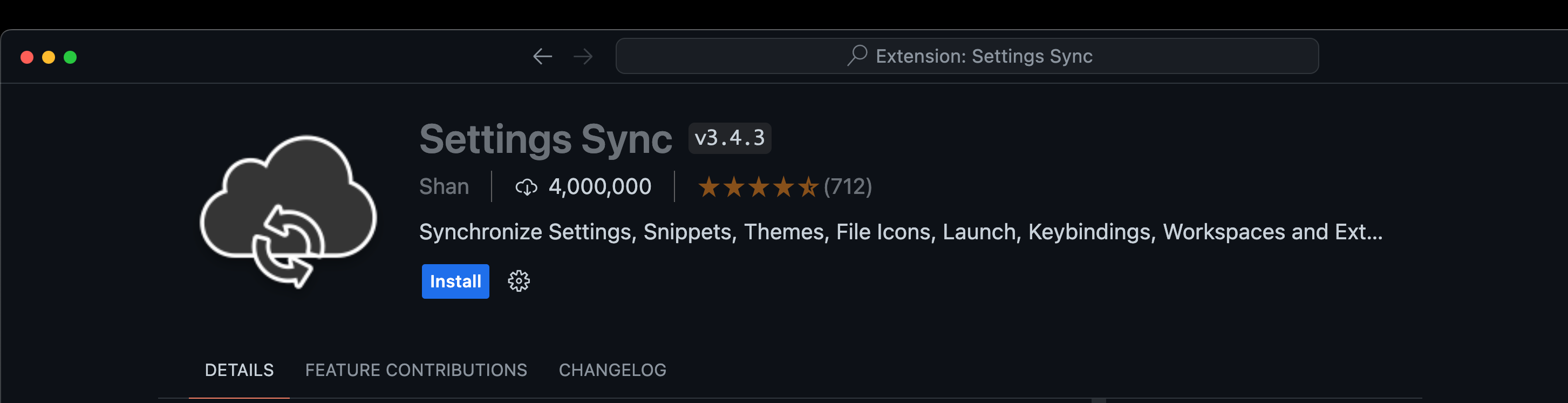
10. Settings Sync
Synchronize your VS Code settings across different machines using GitHub Gists.
Features:
Sync settings, snippets, themes, and extensions
Easy setup using GitHub Gist
Secure and reliable
These extensions can greatly enhance your productivity by making coding more efficient and enjoyable. Whether you are working on frontend, backend, or full-stack development, there's something here for everyone. Try them out and see which ones best fit your workflow!
Get ready for 10 new and exciting extensions designed to supercharge developer productivity!